![Logo landing page 232x64 with border.png]](https://support.safetica.com/hs-fs/hubfs/Marketing/Safetica_logo_/Logo%20landing%20page%20232x64%20with%20border.png?width=145&height=40&name=Logo%20landing%20page%20232x64%20with%20border.png)
Applies to: Safetica Platform
Looking for the Safetica On-Prem version? See: Safetica On-Prem: How to update Safetica to a newer version
Updating Safetica Platform is a two-step process:
-
Updating the Safetica Clients on your devices
Step 1: Automatic Safetica server updates
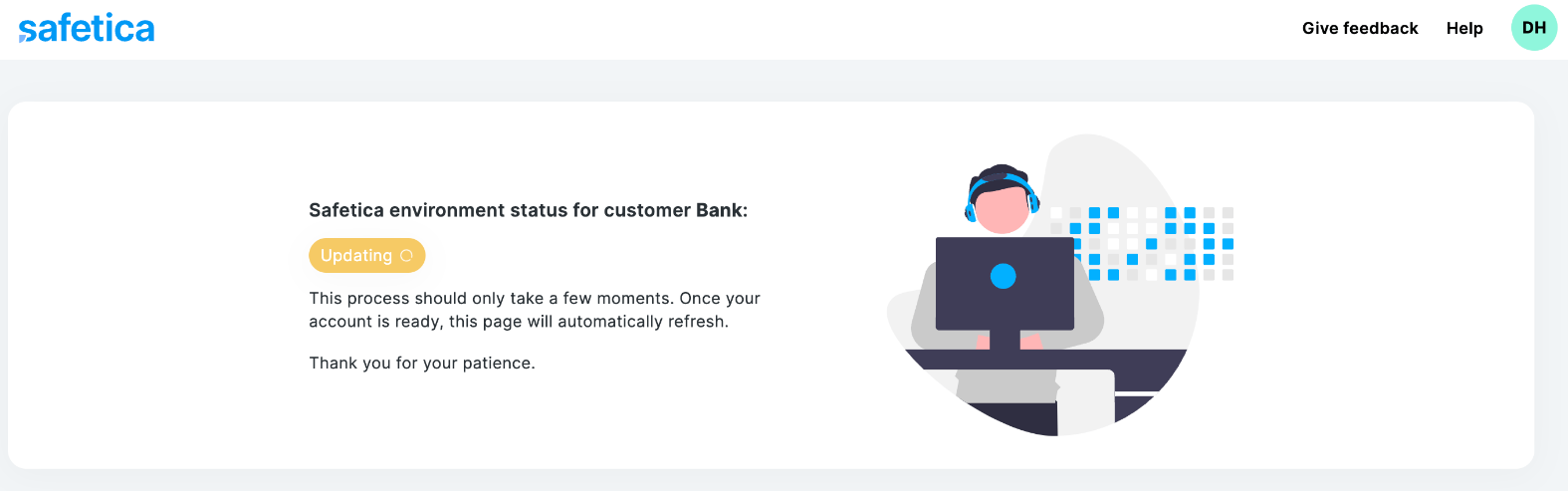
For Safetica Platform, the server is updated automatically every Friday - no action is required on your part.
Schedule: Every Friday
Maintenance window: 9:00 PM (Friday) - 0:00 AM PT / 0:00-3:00 AM ET / 6:00-9:00 AM CET / 4:00-7:00 AM UTC
Downtime: A few minutes
During the maintenance window, the Safetica Platform console will be unavailable for a few minutes. However:
- Your devices stay protected: All your devices are fully protected and synchronized during the maintenance.
- Safetica Client updates are separate: The console update does not affect Safetica Client on your devices.
- No records are lost: All operations are audited, and records are saved. They will be available once the update is finished.
Step 2: Safetica Client updates
Devices that require a Safetica Client update are marked as Outdated in Safetica console.
To see which devices need updating:
-
Go to Devices > Overview tab.
-
Click Add filter > Status > Contains > Outdated.
Safetica Clients must be updated on each device. Follow these steps to complete the update.