![Logo landing page 232x64 with border.png]](https://support.safetica.com/hs-fs/hubfs/Marketing/Safetica_logo_/Logo%20landing%20page%20232x64%20with%20border.png?width=145&height=40&name=Logo%20landing%20page%20232x64%20with%20border.png)
-
Applies to: Safetica Client 11.44.21 (Cumulative) and 11.47.12 and newer (Feature release) on Windows · Safetica Platform and Safetica On-Prem
-
Status: Under investigation – fix is coming soon.
What happens
Some web applications can’t upload files while Safetica Client is running. The upload fails without a server response, and the web app shows a generic error. Other actions in the same app keep working normally.
Example: Drata (app.drata.com)
Adding an attachment to a message and clicking Save shows “Unable to send message”. The message isn’t sent.
Workaround
Use one of these options:
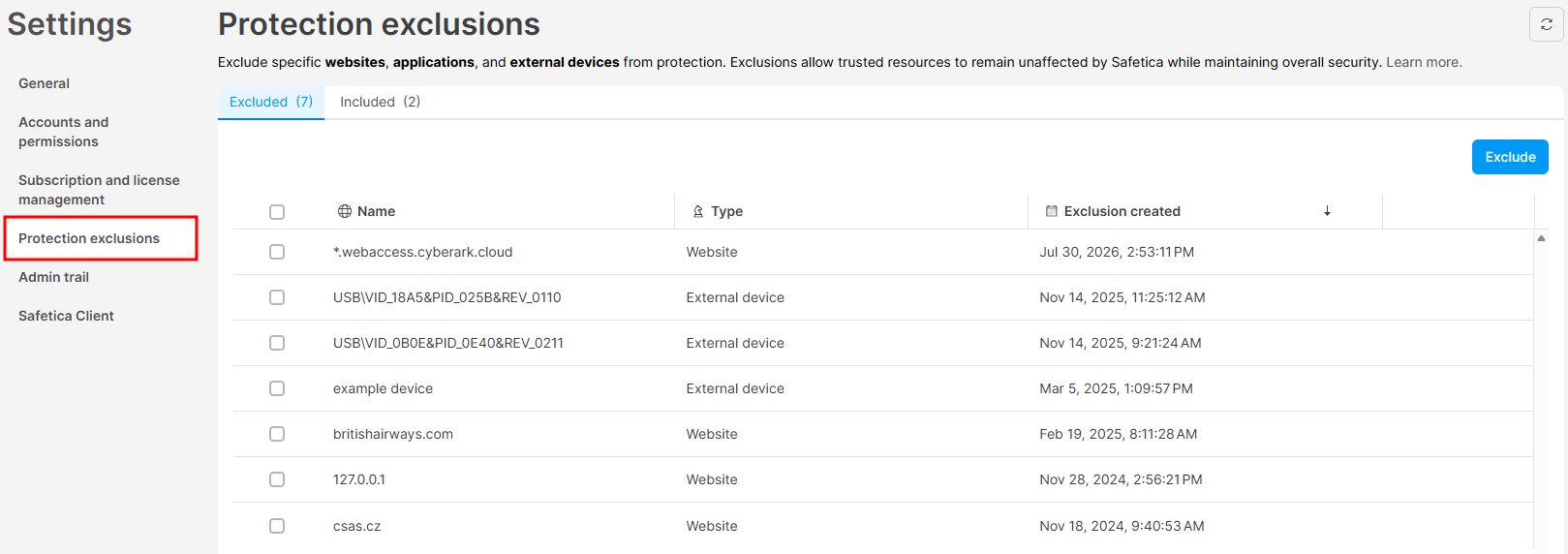
- Recommended: Exclude the affected domain – Add the domain (e.g.
*.drata.com) to Settings › Safetica settings › Protection exclusions. Safetica stops monitoring traffic to that domain only; everything else stays protected.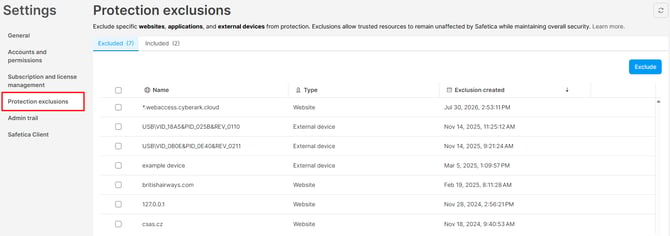
- If you can't exclude the affected domain: Disable network monitoring on affected devices – In device settings, go to Services and disable Network layer only on the devices that need the upload. These devices aren’t monitored on the network until you turn it back on. This option needs Safetica Client 11.47.14 or newer. On older versions, use Safetica Maintenance Console (On-Prem) or contact Safetica Support.
If none of these options works for you, contact Safetica Support.