![Logo landing page 232x64 with border.png]](https://support.safetica.com/hs-fs/hubfs/Marketing/Safetica_logo_/Logo%20landing%20page%20232x64%20with%20border.png?width=145&height=40&name=Logo%20landing%20page%20232x64%20with%20border.png)
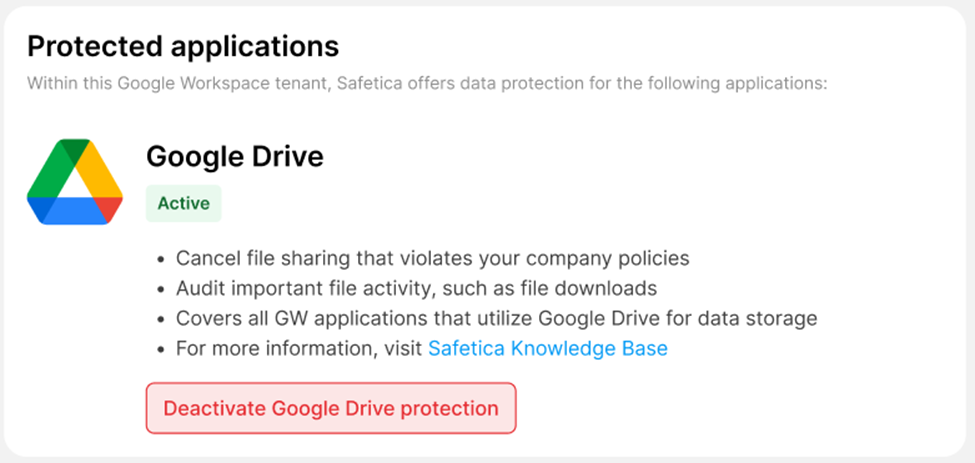
✍️ You can learn more about Google Drive protection here.
How to activate Google Drive protection in Safetica console
✍️ Before you can activate Google Drive protection, you must connect your Google Workspace organization to Safetica. Learn more here.
- In Safetica console, go to Cloud services, and click your Google Workspace organization.
- Click the Activate Google Drive protection button.
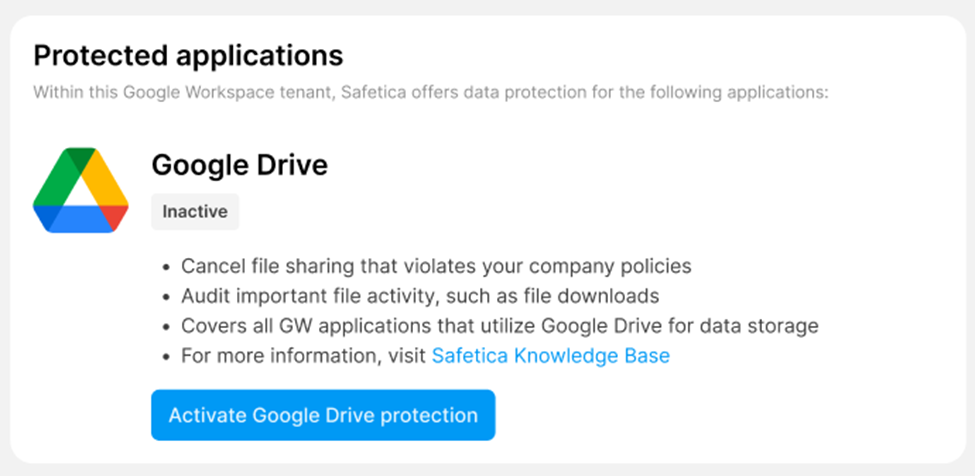
❗ You must enable the Drive SDK API in your Google Workspace environment. This is a crucial prerequisite for the correct operation of this feature. See the section below for details.
How to enable the Drive SDK API in Google Workspace
- Access the Google Admin console using an account with the Services > Services Settings permission.
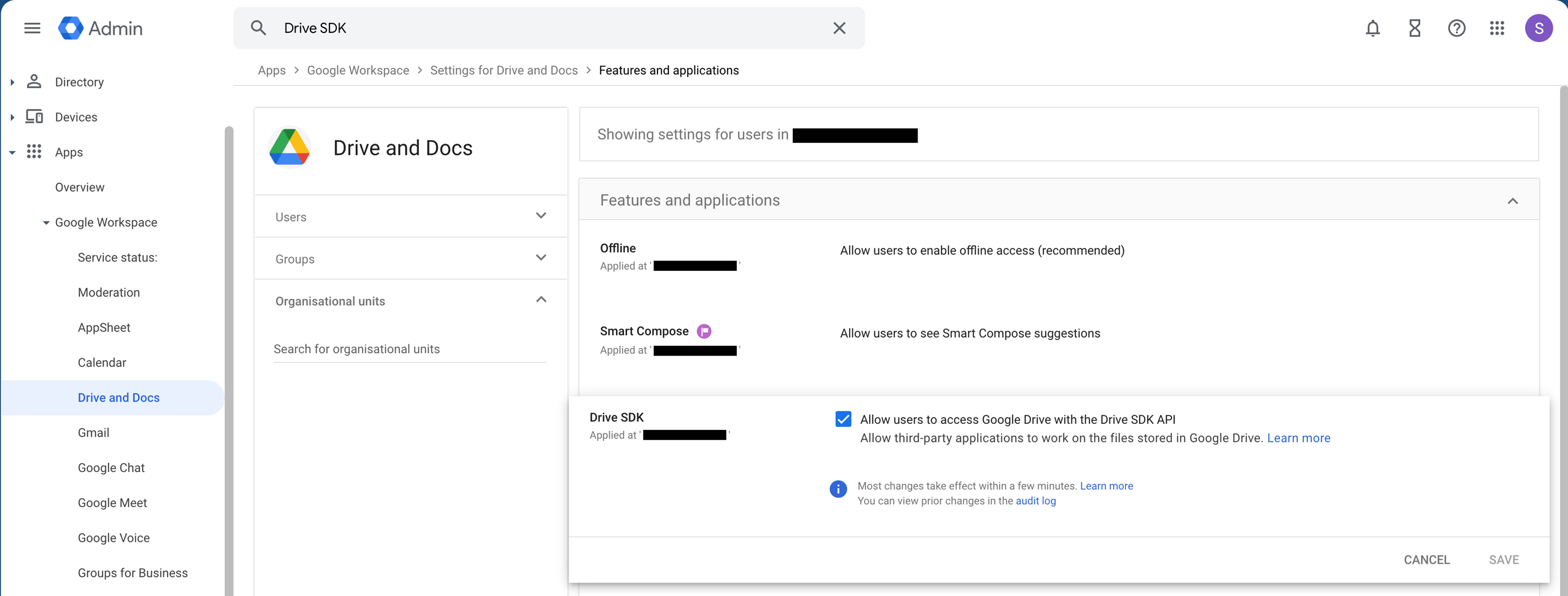
- Go to Apps > Google Workspace > Drive and Docs > Features and Applications.
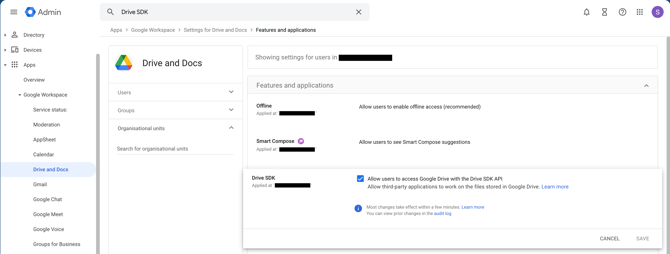
- In the Drive SDK section, check Allow users to access Google Drive with the Drive SDK API.
- Click Save.
- After this step, the file audit of your Google Workspace data (i.e., files on Google Drive) will be activated.
How to configure audit of Google Drive file sharing
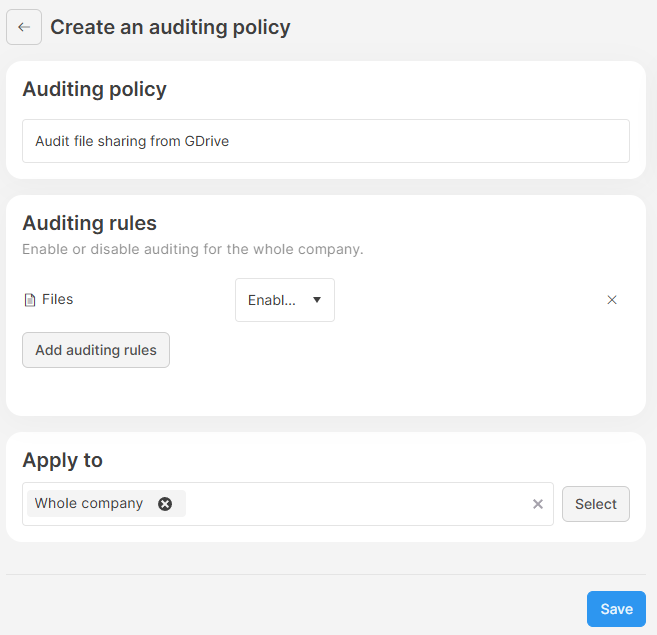
After you finish the activation, check that you have file auditing enabled:
-
Go to Policies > Auditing tab.
-
See if there is a policy with file audit enabled.
-
If not, click Add policy to create a new policy.
-
In Auditing rules, click Add auditing rules and select Files. Learn more about auditing policies here.
How to access records related to Google Drive file activity
- After you finish activation, you will find records related to Google Drive file activity in the Data section of Safetica console.
❗ In large environments , it might take up to 24 hours to see the records of Google Drive file activity.
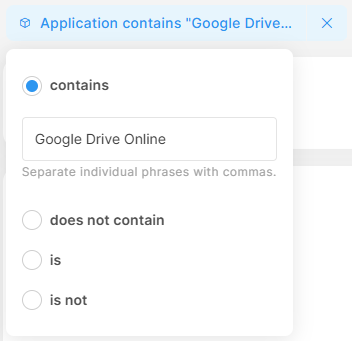
- To only see records from Google Drive, set the Application filter to Google Drive Online:
- Click Add filter and select Applications.
- Choose the contains option and enter Google Drive Online.
How to deactivate Google Drive protection
To deactivate Google Drive protection:
- Open Safetica console, go to Cloud services > your Google Workspace organization, and click Deactivate Google Drive protection.
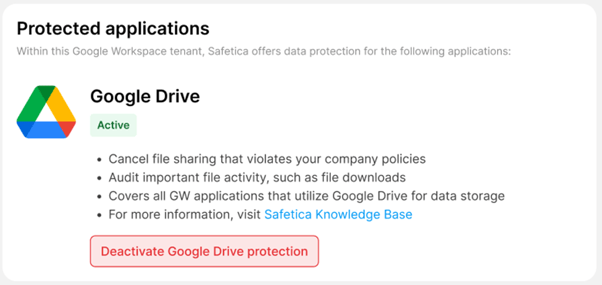
- Click Deactivate.