![Logo landing page 232x64 with border.png]](https://support.safetica.com/hs-fs/hubfs/Marketing/Safetica_logo_/Logo%20landing%20page%20232x64%20with%20border.png?width=145&height=40&name=Logo%20landing%20page%20232x64%20with%20border.png)
Applies to: Safetica Platform
Looking for the Safetica Platform version? See: How to update Safetica server using the temporary URL
Introduction
In Safetica Platform, there are two kinds of Safetica Client releases: regular releases (default) and feature releases. Admins can opt in to the feature release channel (disabled by default), so they get a new Safetica Client release every 2–3 weeks instead of every 1-2 months.
How to enable feature releases:
- Go to Devices.
- Click Settings in the upper right corner and select Release channel. (You can also click Configure in the banner.)

- Enable the Feature releases toggle.
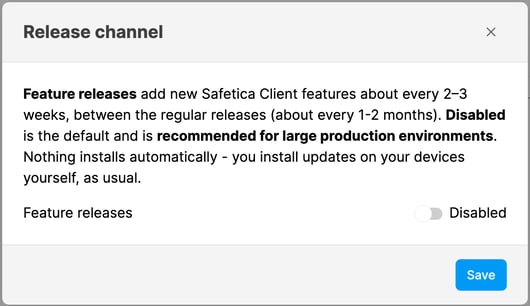
- Click Save.

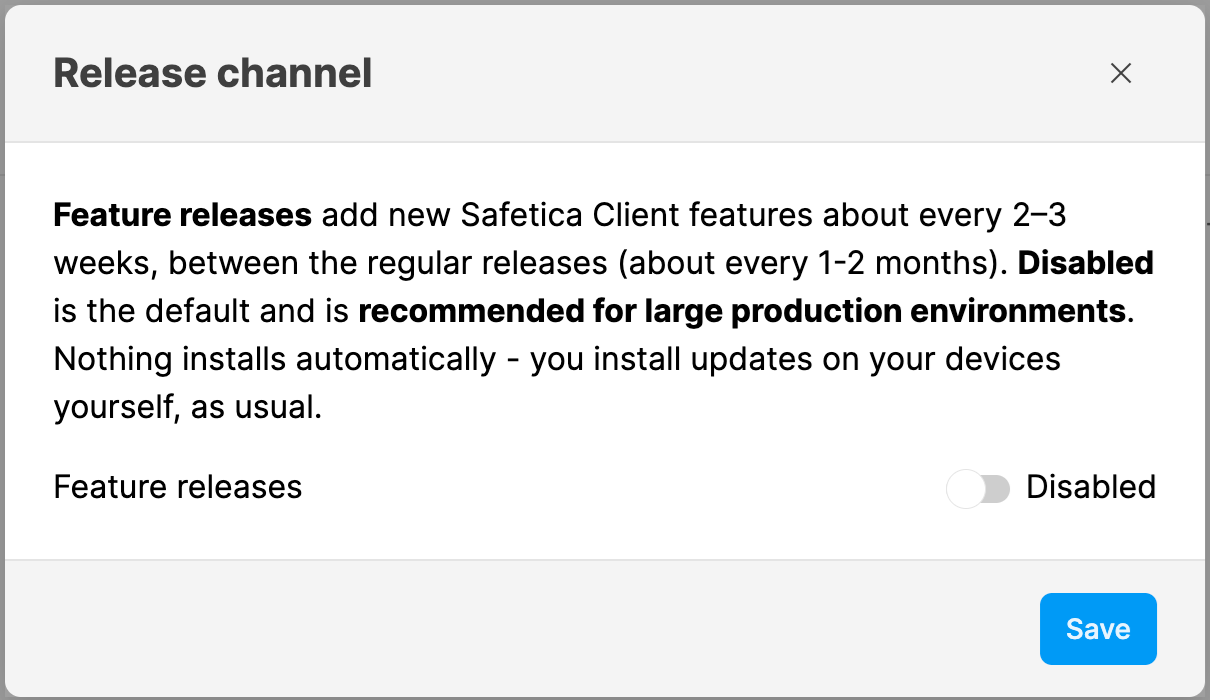
The banner in Devices now offers the latest feature-release version and shows the heading Feature releases: Enabled. Accept or snooze it as usual.

If you can't enable the Feature releases toggle, please contact Safetica Support.
How to disable feature releases:
- Go to Devices.
- Click Settings in the upper right corner and select Release channel. (You can also click Configure in the banner.)
- Disable the Feature releases toggle.
- Click Save.
When you disable feature releases:
- Your company switches back to the regular release channel and sees updates offered from there again.
- If you had accepted a feature-release version, the current regular version is accepted automatically in its place (even though it's a lower version).
- Devices already running a feature release keep it. They are considered up to date, because any device running the accepted version or newer is up to date.